

Want to see what it is like to take part in a CARP study? Join our CARP Demo Study on your own phone in two steps.
Step 1: Install the CARP Studies App
Install the CARP Studies app from the app store for your phone. Scan the QR code, or tap it if you are reading this on your phone.



Step 2: Scan the Study QR Code
Open the CARP Studies app, scan the QR code below, and accept the invitation to the CARP Demo Study. You can also enter the self sign-up code YYSZY in the app.
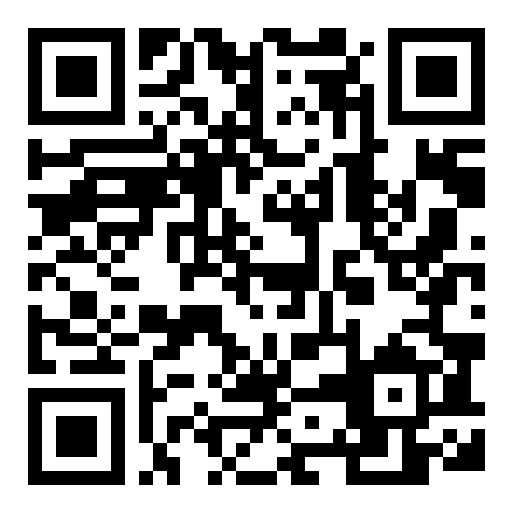
Or enter this study code in the app:
YYSZY
Completely Anonymous
When you join, the study is deployed on your phone under a random ID (a UUID). We never ask for your name, email, or other contact details, and your data is stored under this study ID only.
What the demo study does. The study shows what the CARP Studies app can do. It includes surveys, cognitive tests (such as the Flanker and Stroop tests), a reading task, an image task, and a Parkinson’s assessment, which you can do whenever you like. In the background, the app collects data from the phone’s sensors, such as steps, activity, location, and device usage, and health data like steps, heart rate, and sleep from Apple Health or Health Connect. You decide which permissions to grant on your phone.
Your data. The Technical University of Denmark (DTU) is the data controller, and all data is stored on secure servers operated by DTU. The data is used for scientific purposes only, including testing and improving CARP, and will not be disclosed to anyone else. Results are only published in anonymized form. See also the privacy policy for the CARP study apps.
Leaving the study. The study runs as long as the app is installed, or until you choose “Leave Study” in the app. You can stop at any time without giving a reason. The full informed consent, including your rights under the GDPR and contact details, is shown in the app when you join.
Read more about the CARP Studies app in Meet the New CARP Studies App.